
Website Structure for SEO: A Practical Blueprint (Publishers + SaaS)
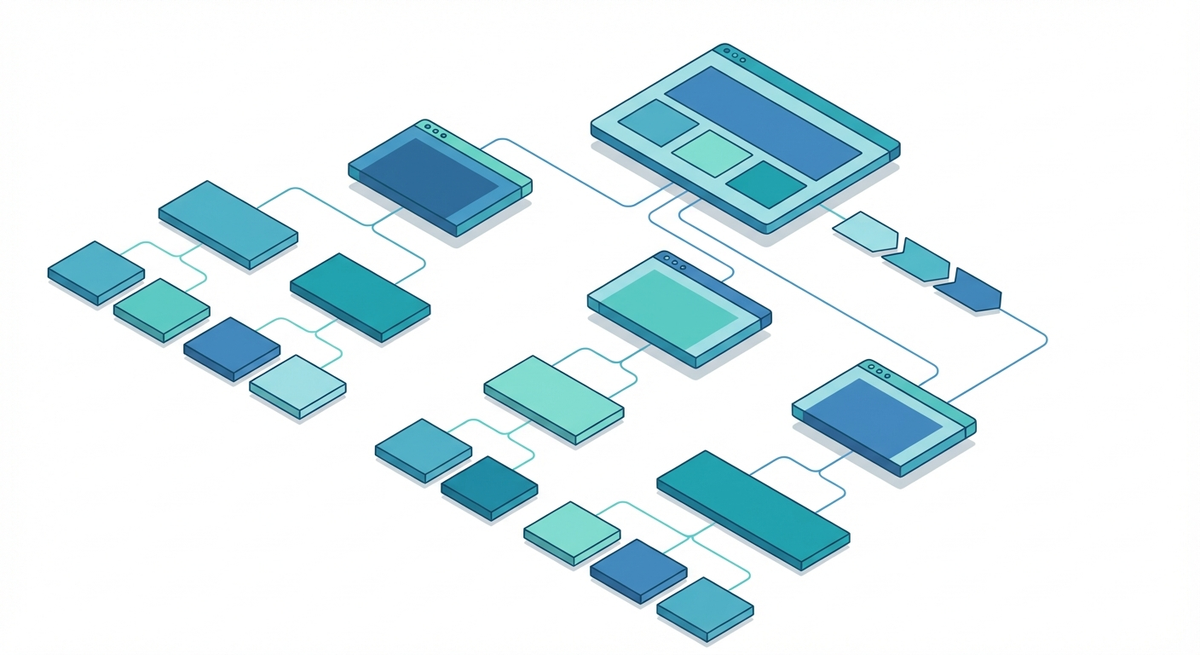
Website Structure for SEO: A Practical Blueprint (Publishers + SaaS)
“Website structure” sounds like a technical detail, but for SEO it’s foundational. Your structure determines:
- how easily Google can discover your pages (crawl paths)
- how confidently Google can understand your topical coverage (site semantics)
- how efficiently you can rank important pages (internal link equity + relevance)
- how quickly users can find what they need (navigation + UX)
This blueprint walks you through a modern (2026) way to design and maintain website structure for both publishers and SaaS companies—with a heavy emphasis on the part most sites get wrong: internal linking execution.
TL;DR (the blueprint in 60 seconds)
- Structure your site like a hierarchy of hubs: Homepage → category hubs → sub-hubs → articles/pages.
- Build topic clusters (pillar + supporting pages) and connect them with contextual links.
- Keep priority pages within 1–3 clicks from a strong hub (crawl depth control).
- Use clean URL structure and breadcrumbs to reinforce the hierarchy.
- Prevent orphan pages and link rot with a monthly internal link audit + maintenance loop.
If you want the internal linking playbook, start here: Internal Linking Strategy (2026). If you want to audit your internal links quickly: get your internal link score.
What is website structure (for SEO)?
Website structure is the way your pages are organized and connected—both in your navigation (menus, categories, breadcrumbs) and in your internal linking (contextual links inside content).
In practice, Google “feels” your structure through:
- crawl paths (which pages link to which pages)
- click depth (how many hops from key discovery points)
- internal anchor text + context (what pages appear to be about)
- URL hierarchy (folder structure can reinforce intent)
A good structure makes it obvious which pages are:
- your core “hub” pages (categories/pillars)
- your supporting pages (cluster content, long-tail queries)
- your conversion pages (product/pricing/demo/signup)
Website structure models (silos vs clusters vs hybrid)
You’ll see these models described in different ways, but here’s the practical truth:
- Strict silos keep topics separated (minimal cross-linking). This can make topical boundaries clear, but it can also reduce natural discovery paths.
- Topic clusters use a hub-and-spoke model (pillar + supporting pages), with contextual cross-links between siblings where relevant.
- Hybrid models are what most high-performing sites use: clear hub pages + clusters, with selective cross-links between adjacent topics (because real users don’t think in silos).
For SEO in 2026, clusters (or hybrid clusters) tend to win because they create both hierarchy (hubs) and semantic connection (contextual links).
Why website structure matters for SEO (rankings + indexing)
1) Structure controls crawling and indexing
Google discovers URLs primarily through links. If an important page is buried deep (or isn’t linked at all), it’s often crawled less frequently—and can be slower to index or update.
Related:
2) Structure distributes internal link equity
Internal links are how your site “votes” for which pages matter. Your architecture determines where authority accumulates—and whether that authority reaches the pages you actually want to rank.
If your blog posts receive hundreds of internal links (nav, archives, related posts), but your product pages receive very few contextual links, rankings usually reflect that imbalance.
3) Structure builds topical authority (not just “pages”)
In 2026, ranking is less about isolated keyword pages and more about topical coverage + connections. A strong structure makes topic clusters explicit.
Related: Topic clusters for SEO: how to build topical authority
The 2026 website structure blueprint (step-by-step)
Step 1: Inventory what you have (and what matters)
Before you redesign anything, build a simple map:
- Priority pages: money pages, highest-converting pages, key category hubs
- Support content: informational articles, guides, docs, comparisons
- Dead weight: thin pages, duplicates, outdated posts that no longer serve a purpose
Tip: an internal link audit is often the fastest way to see structural problems (orphan pages, under-linked pages, and deep pages).
Step 2: Design a hub-based hierarchy (not a flat blog)
A modern structure is basically a set of hubs and sub-hubs.
| Layer | Purpose | Examples |
|---|---|---|
| Homepage | Global discovery + brand authority | Primary navigation entry point |
| Hub pages | Define topics + collect internal links | Category pages, pillar pages, use-case hubs |
| Cluster pages | Long-tail coverage + support the hub | Guides, tutorials, templates, comparisons |
| Conversion pages | Revenue actions | Pricing, demo, product, signup |
The goal is simple: every important page should be reachable from a relevant hub (and usually from more than one).
Step 3: Build topic clusters and link them like a system
Topic clusters are where “structure” turns into rankings.
A practical linking rule set:
- Pillar → Cluster: your hub should link to every key supporting page.
- Cluster → Pillar: every supporting page should link back to the hub.
- Cluster → Cluster: siblings should cross-link when it helps the reader (and clarifies relationships).
This is what prevents content libraries from decaying into disconnected posts.
Step 4: Control crawl depth (your structure’s silent killer)
Crawl depth is one of the fastest ways to spot structural problems. If a page is 4–6 clicks deep, it’s often under-crawled and under-ranked.
Rules of thumb:
- Priority pages: aim for 1–3 clicks from a strong hub.
- Support pages: 2–4 clicks is usually fine if they’re still interlinked inside clusters.
- Archives/utility pages: don’t let these become your primary discovery path for important URLs.
Related: Crawl Depth SEO (2026)
Step 5: Use navigation + breadcrumbs to reinforce the hierarchy
Navigation and breadcrumbs aren’t just UX—they’re structure signals.
- Top nav should surface your most important hubs (not everything).
- Breadcrumbs help clarify category hierarchy and reduce “lost” pages.
- Related posts/modules should be cluster-aware (relevant, not random).
Step 6: Keep URL structure clean and stable
You don’t need a perfect folder hierarchy, but you do need consistency.
- Use short, descriptive slugs.
- Avoid changing URLs without redirects.
- Don’t let parameters create infinite crawl spaces (facets, filters).
Step 7: Use XML sitemaps as a supplement (not a crutch)
Sitemaps help discovery, but they don’t replace internal linking. If a URL is in your sitemap but has no internal links, it’s still structurally weak.
Step 8: Handle pagination, filters, and site search (crawl waste prevention)
Modern sites generate “infinite” URL variations through:
- category pagination (?page=2 or /page/2/)
- filtered/faceted navigation (price, color, size, tags, etc.)
- internal search result pages
These URLs can be useful for users, but they can also create crawl waste—Googlebot spends time on pages that don’t deserve to rank, while your priority pages get crawled less often.
Structural principle: make your important pages easy to reach and keep low-value URL variants from becoming primary crawl paths.
Step 9: Turn structure into a maintenance loop (monthly)
The most common structural failure is “drift”: your site starts clean, then new content is published and the link graph slowly decays.
A simple maintenance cadence:
- Run an internal link audit (or crawl) monthly to identify orphan pages, deep pages, and broken internal links.
- Fix 5–10 priority URLs first (reduce depth + add contextual links from strong pages).
- Update hub pages so new cluster pages are linked from the hub immediately.
- Refresh internal anchors where they’re generic or misleading.
If you want the full checklist-style workflow, use: Internal Link Audit (2026).
Website structure for publishers (content-heavy sites)
Publishers win by building evergreen hubs and keeping new content connected to existing authority pages.
Publisher blueprint:
- Category hubs that are genuinely useful (not thin tag archives)
- Evergreen guides that act as pillars
- Strong recirculation: “related posts” + contextual links inside body copy
- A monthly process to prevent orphan pages and drift
Example: A publisher topic cluster (simple, scalable)
Let’s say you’re building topical authority around internal linking. A practical structure looks like:
- Hub (pillar): Internal Linking Strategy
- Supporting pages:
Publishing rule: every new article in the cluster should (1) link back to the hub, and (2) link to at least 1–2 relevant siblings where it helps the reader.
Common publisher failure mode: everything lives in the blog feed, and your “categories” don’t function as true hubs. Result: deep pages, orphan pages, and weak cluster structure.
Website structure for SaaS (product + content + docs)
SaaS sites need structure that supports both:
- commercial intent (product, pricing, demo, use cases)
- informational intent (blog + guides that build demand)
SaaS blueprint:
- Use-case hubs (who the product is for)
- Feature hubs (what the product does)
- Integration hubs (where you plug in)
- Docs/help center that’s interlinked (not isolated)
- Blog posts that bridge to product pages with contextual links (not forced CTAs)
Example: A SaaS structure that helps product pages rank
If you’re SaaS, your website structure should intentionally connect:
- Blog → use cases: informational content should link to the relevant “who it’s for” pages.
- Blog → features: when a post explains a problem, link to the feature that solves it.
- Docs → features: documentation should link back to the product context (not just other docs).
- Use cases → conversion: use-case hubs should have clear paths to demo/signup.
A simple rule: if a blog post ranks and gets traffic, it should pass that value into the pages that drive revenue—using contextual links (not just a generic CTA block).
Common SaaS failure mode: a strong blog and weak product interlinking. Result: blog ranks, but revenue pages don’t.
Common website structure mistakes (and what to do instead)
- Mistake: Publishing without a cluster plan → Fix: define a hub and link it immediately.
- Mistake: Relying on tag archives as hubs → Fix: build editorial hubs with real content and intentional links.
- Mistake: Orphan pages → Fix: add contextual links from relevant pages + hubs.
- Mistake: Deep pages (4+ clicks) → Fix: reduce depth by linking from hubs and high-traffic pages.
- Mistake: “Random related posts” modules → Fix: relate by cluster/topic, not recency.
Website structure audit checklist
- [ ] Do hub pages exist for each major topic?
- [ ] Do cluster pages link back to their hub?
- [ ] Are priority pages within 1–3 clicks of a strong hub?
- [ ] Do you have orphan pages?
- [ ] Are your URLs stable and consistent?
- [ ] Is your navigation focused on hubs (not everything)?
If you want a fast baseline, start here: Get your internal linking report.
Next step: turn structure into execution
Most teams don’t fail because they don’t understand structure. They fail because structure requires a repeatable internal linking execution loop.
Start with:
- Baseline audit: Internal Link Audit (2026)
- Cluster plan: Topic Clusters for SEO
- Execution system: Internal Linking Strategy
Primary CTA: Get your free report
No credit card • Report in minutes